Rydessa Accessibility Statement

A More Accessible Ride Online

Rydessa is committed to making our website easier to access, understand, navigate, and use for as many people as possible. We consider accessibility an ongoing part of the digital experience and continue reviewing areas where barriers may affect customers using different devices, input methods, browsers, or assistive technologies.

Keyboard Access Readable Content Clear Structure Visible Focus Reduced Motion

Last updated: September 25, 2026

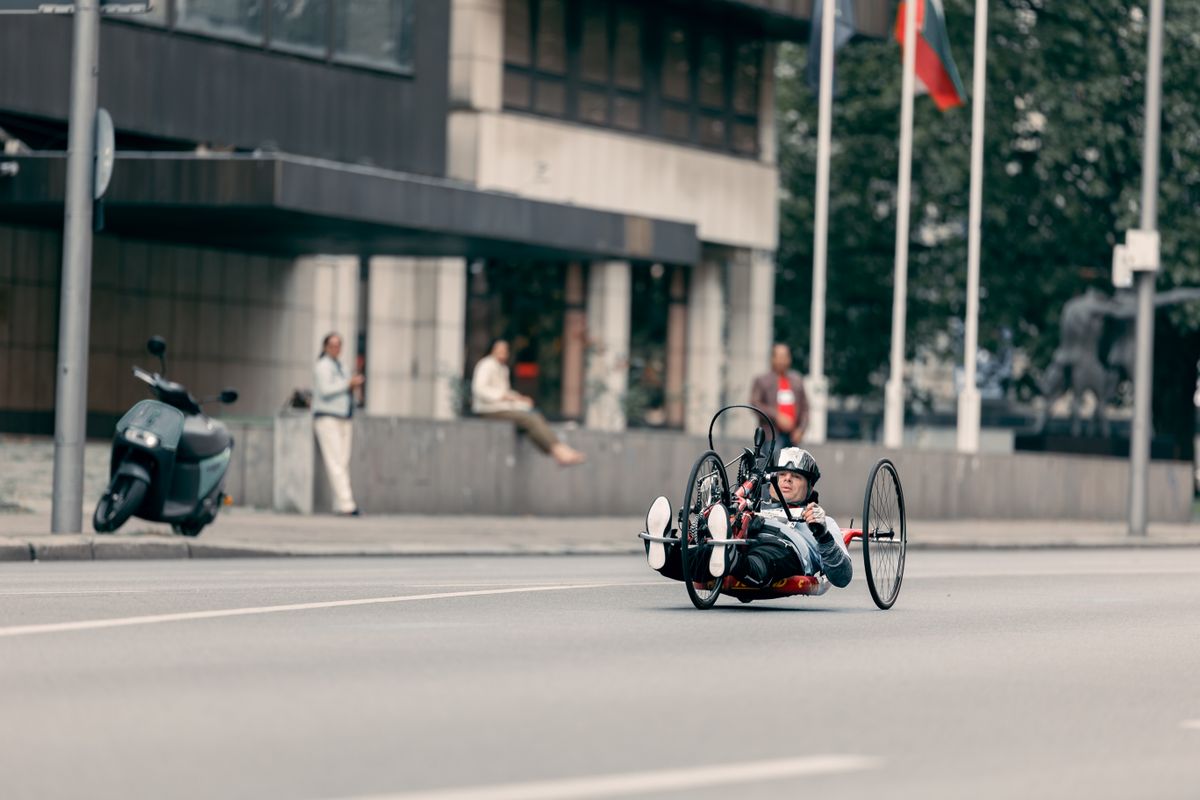
Rider using an adaptive handcycle on a modern city street

Accessibility Guide

Navigate This Statement

Review our accessibility approach, practical website considerations, known limitations, third-party content, and the process for reporting a barrier.

Accessibility Principles

Designed Around Practical Access

We use recognized accessibility guidance, including the Web Content Accessibility Guidelines, as a reference when evaluating improvements to structure, interaction, readability, navigation, and visual presentation.

01

Perceivable Content

We aim to present text, imagery, labels, controls, and page hierarchy in ways that can be understood without depending on one visual cue alone.

Text · Images · Contrast

02

Usable Interaction

We work to keep navigation, links, controls, forms, and interactive elements understandable and usable through common input methods.

Keyboard · Controls · Focus

03

Clear Information

Headings, product information, policies, support content, and calls to action are organized to support predictable reading and navigation.

Structure · Labels · Language

04

Ongoing Improvement

Accessibility is not treated as a one-time task. We continue reviewing the site and considering feedback when barriers are identified.

Review · Feedback · Updates

Smiling rider with adaptive mobility equipment and a bicycle outdoors

Website Experience

Access Should Feel Intentional

Our goal is to make shopping for cycling essentials understandable without requiring one specific device, interaction method, or visual presentation. Accessibility considerations are applied across navigation, product information, support content, policy pages, and other customer-facing areas.

Navigation

Predictable page structure

We aim to use meaningful headings, logical content order, understandable labels, and navigation patterns that remain consistent.

Contrast

Readable visual hierarchy

Text and controls are designed with clear separation from their backgrounds and with restrained use of decorative effects.

Interaction

Visible interactive states

Links, buttons, and important interactive elements are designed to remain visually recognizable and provide visible focus where supported.

Motion

Reduced-motion support

Decorative movement should remain restrained, and experiences may respond to reduced-motion preferences when implemented.

Assistive Technology

Support Different Ways to Browse

People interact with websites in different ways. Rydessa works to support common accessibility needs through semantic structure, useful text alternatives, keyboard-friendly interaction, scalable layouts, and readable content.

✓ Pages are structured with headings and grouped content to improve navigation and understanding.
✓ Meaningful images should include text alternatives that describe their relevant purpose or content.
✓ Interactive controls are intended to remain understandable without relying only on hover behavior.
✓ Responsive layouts are designed to remain usable across desktop, tablet, and mobile screen sizes.
✓ Text and controls are intended to remain readable when customers use common browser zoom and text-sizing features.
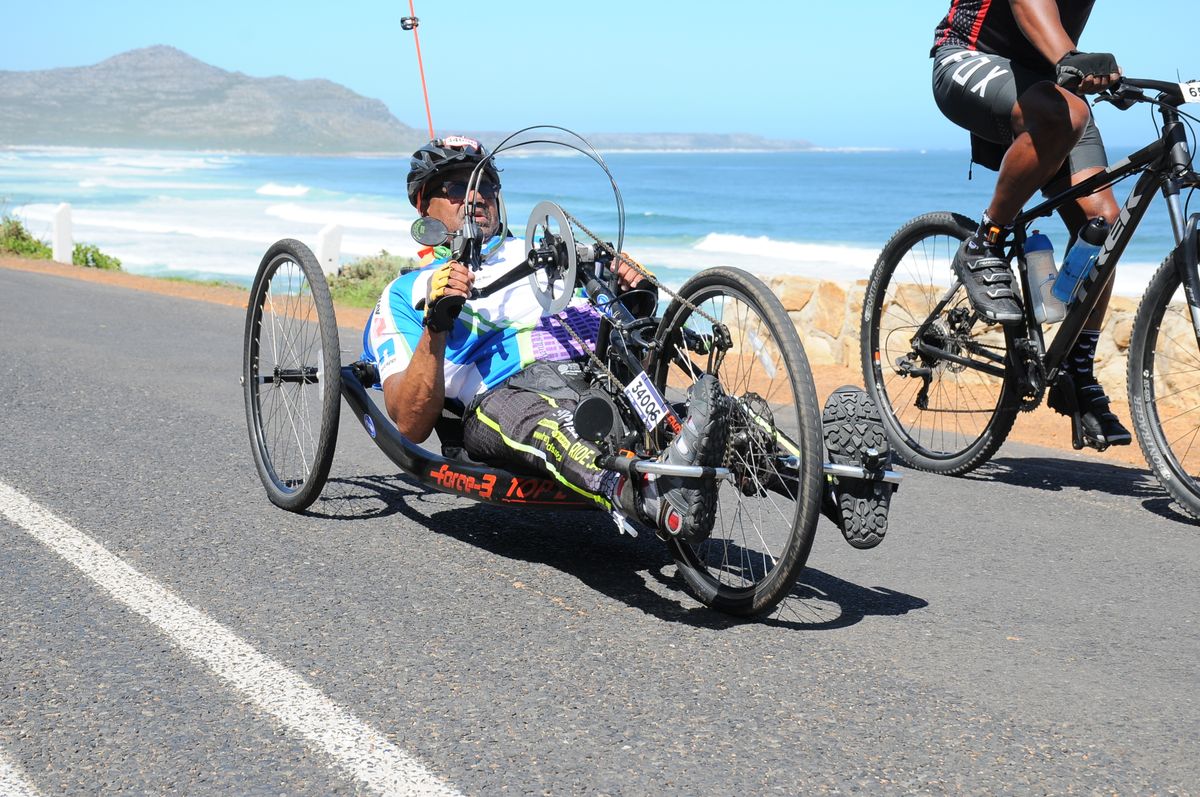
Athlete using a hand-powered adaptive cycle on an open road
Cyclist riding a recumbent bicycle through an urban environment

Accessibility in Practice

Small Details Shape Usability

Accessibility depends on many details working together. We review areas that can create unnecessary friction and aim to keep the experience clear, readable, navigable, and adaptable.

01 Links and controls should have understandable labels rather than relying only on icons or visual positioning.
02 Important information should not be communicated through color alone where another clear indicator can be provided.
03 Page content should remain logically ordered when layouts shift from wide desktop screens to smaller mobile screens.
04 Decorative motion should not prevent customers from reading, navigating, or understanding essential information.
05 Form instructions and error information should be presented as clearly as practical when customer input is required.

Accessibility Reference

What We Review

Our accessibility review can include both visual presentation and the underlying way information is organized and interacted with.


Keyboard Navigation Important interactive areas should be reachable and understandable without requiring pointer-only interaction.
Focus Visibility Keyboard users should be able to identify which interactive element currently has focus where supported.
Text Contrast Important text and controls should maintain sufficient visual distinction from surrounding backgrounds.
Heading Structure Content should use meaningful hierarchy to make longer pages easier to understand and navigate.
Alternative Text Relevant imagery should include useful descriptions when the image communicates information necessary to the experience.
Responsive Layout Information should remain available and readable when layouts adapt to smaller screens or increased zoom.
Older cyclist riding through a lively urban public space

Known Limitations

Accessibility Can Still Have Gaps

Although accessibility is considered in our website experience, technology, content, integrations, browser behavior, and third-party services can change. This means a customer may still encounter an accessibility barrier.

Content

Older or changing content

Content added at different times may occasionally require additional review as accessibility practices and website components evolve.

Technology

Browser differences

Website behavior may vary depending on the browser, operating system, device, settings, extensions, or assistive technology in use.

Integrations

Third-party interfaces

Some features may be provided through outside services whose interfaces and accessibility behavior are not fully controlled by Rydessa.

Updates

New features need review

New website functions or design changes may introduce issues that require testing, correction, or additional accessibility refinement.

Cyclist navigating a busy urban street with parked vehicles

Third-Party Services

Some Features Come from Other Providers

Certain website functions may rely on third-party technology, such as payment processing, order tracking, embedded services, analytics, social platforms, or other integrations. Rydessa does not fully control the accessibility of external websites or independently operated interfaces.

01 Third-party services may use their own design systems, controls, accessibility practices, and update schedules.
02 External links can lead to websites whose accessibility policies and implementation differ from Rydessa.
03 If an external feature creates a barrier during an important customer task, you can report the issue to Rydessa support.
04 Where practical, we can review whether another way of providing the relevant information or assistance is available.

Accessibility Feedback

Tell Us When Something Gets in the Way

Accessibility feedback helps identify real-world barriers that may not appear in routine review. If you experience difficulty using the website, sharing specific details can help us understand the issue more clearly.

01

Identify the Page

Tell us which page, feature, product, form, or website area created difficulty.

02

Describe the Barrier

Explain what you were trying to do, what happened, and what prevented you from completing the task.

03

Share Useful Context

If comfortable, include relevant information such as device type, browser, input method, or assistive technology.

04

Request Assistance

If the barrier affects an order, product decision, return, exchange, or other customer task, tell us what assistance you need.

Ongoing Improvement

Accessibility Is an Active Process

We continue evaluating the website as content, products, features, browsers, and technologies change. Feedback can help prioritize areas where the experience can be clearer or easier to use.

✓ Review navigation, content hierarchy, interactive controls, and visual readability.
✓ Consider keyboard interaction, focus visibility, responsive layouts, and browser zoom.
✓ Review meaningful imagery and text alternatives when content changes.
✓ Consider reduced-motion preferences when decorative movement is used.
✓ Use customer feedback to identify accessibility barriers requiring additional attention.

Accessibility Support

Need Help Accessing Rydessa?

If you encounter an accessibility barrier or need assistance accessing information, completing an order-related task, reviewing a product, or using another website feature, Rydessa support is available 24/7. Please describe the page or feature involved and the difficulty you experienced so the request can be understood clearly.

support@rydessa.lat +1 (212) 509-4828 702 Anne Street, Laurinburg, NC 28352 24/7 Customer Support